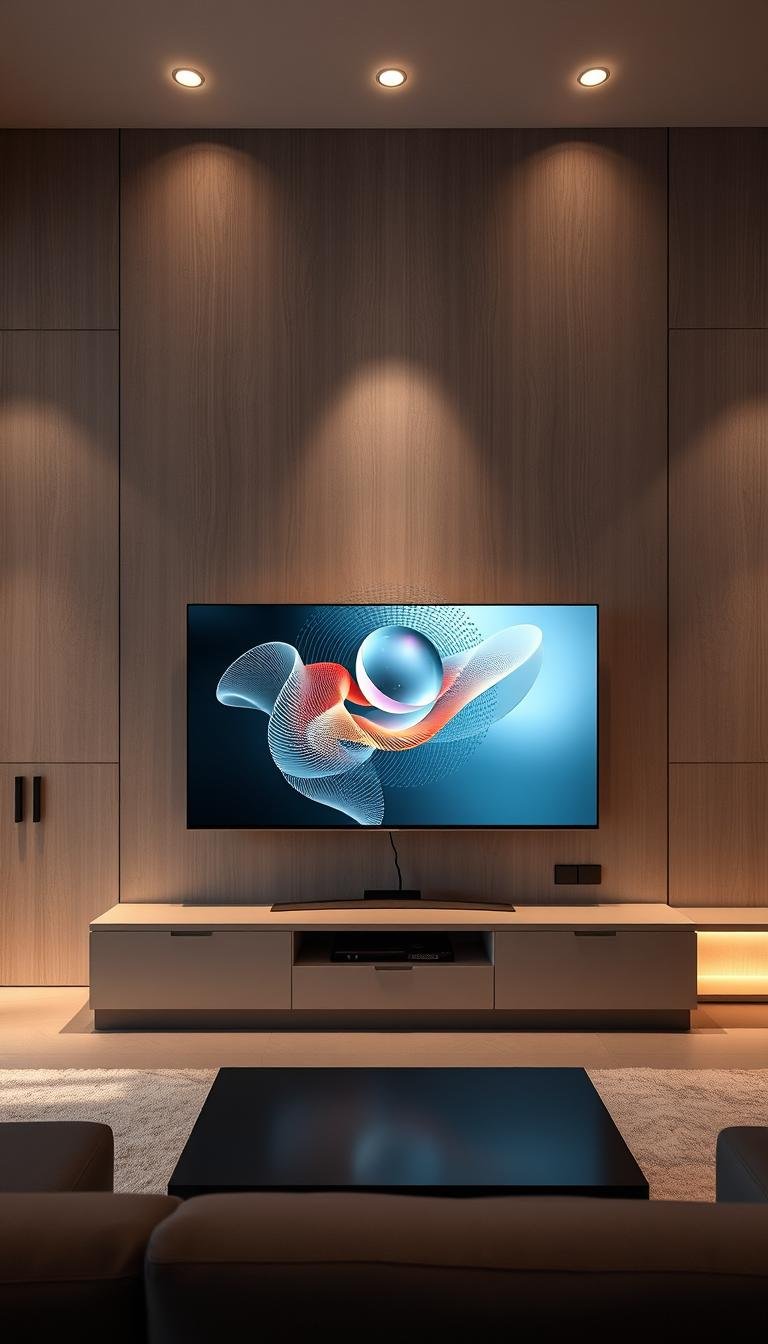
Does your TV feel like a big black hole in your room when it’s off? Many people struggle with this design challenge. That blank screen can disrupt your cozy space.
I used to face this issue too. I tried painting the wall a dark color to help it blend in. Then I discovered amazing ways to make it beautiful.
This guide will show you how to create a beautiful focal point. You can do this with any television. We will cover tips to blend it into your home design.
The methods are simple for everyone. It works with high-end models or standard screens. You can add personality and style that matches your decor.
This is an easy project for any homeowner. Make your TV area intentional and stylish. Follow along to find various options and setup steps.
Why Your TV Deserves to Be More Than Just a Black Box
That large dark rectangle on your wall creates a visual gap when not in use. It can disrupt the flow of your carefully curated space. Many homeowners struggle with this common design challenge.
Your television often becomes an unwanted focal point. Instead of enhancing your room’s aesthetic, it stands out for all the wrong reasons. This creates a need for a smart solution that blends technology with decor.
Transforming your screen into an art display addresses this issue perfectly. It turns a potential eyesore into a beautiful feature. Your television becomes part of your room’s design story rather than detracting from it.
This approach works with any television model. Even basic screens can showcase stunning artwork. They can blend seamlessly into gallery walls or match your themed decor.
Think of your television as a creative opportunity rather than a limitation. You can change images to match seasons or moods. Your family can enjoy personal photos or curated collections.
This transformation improves both functionality and beauty in your living area. It creates a more cohesive and intentional design. Your space will feel complete and thoughtfully arranged.
Your television deserves to contribute positively to your home’s atmosphere. With the right approach, it becomes more than just a black box. It becomes a dynamic piece that enhances your daily life.
The Artful Benefits of Displaying Artwork on Your Television
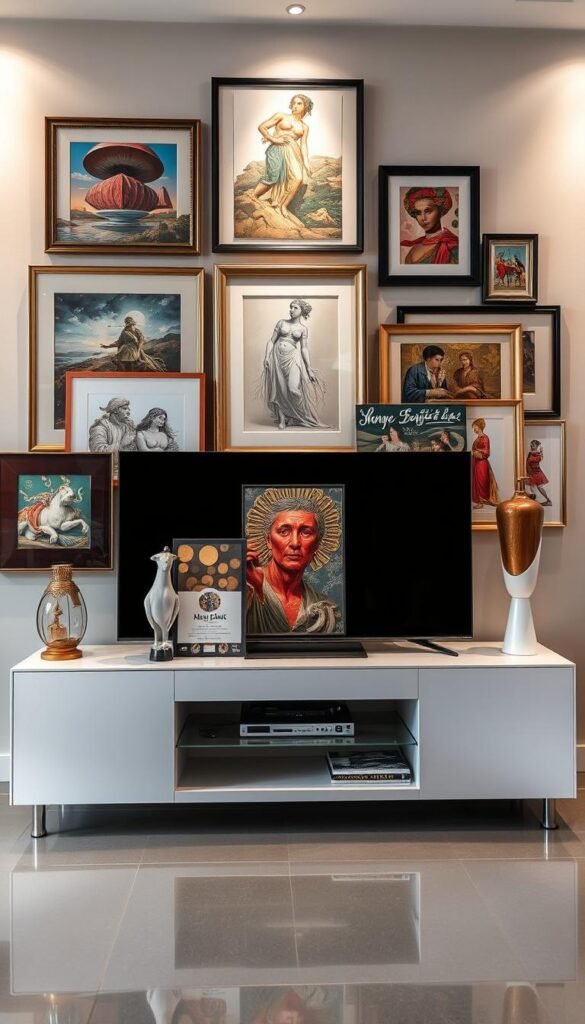
Your television becomes something special when it shows beautiful pictures. It stops being just a blank screen. Instead, it adds charm to your living area.
This change brings many advantages to your home. You get to enjoy both function and beauty. Let’s explore how this upgrade improves your daily life.
Transforming an Eyesore into a Focal Point
That dark rectangle becomes a beautiful centerpiece. You turn an unwanted feature into something attractive. Your room gains a deliberate design element.
This approach makes your television part of your decor. It blends with your style instead of clashing. Your space feels more complete and intentional.
Seasonal Flexibility for Your Home Decor
Art mode lets you change images with the seasons. You can match holidays or your current mood. It keeps your decor fresh and exciting.
Create folders for Christmas or autumn themes. Switch between them with just a few clicks. Your room always feels current and relevant.
Personalizing Your Space with Meaningful Images
Use family photos or favorite artwork. Your television becomes a personal gallery. It reflects your unique style and memories.
This adds warmth and meaning to your room. Visitors see what matters most to you. Your space becomes more inviting and special.
Best of all, this transformation costs very little. One person transformed their basic Fire TV for under $15. They completed it in just 15 minutes.
You don’t need a fancy Frame television. Achieve a high-end look with minimal effort. It integrates perfectly with gallery walls and color schemes.
Your living area becomes dynamic and satisfying. You control the view whenever you want. Enjoy these benefits starting today.
Understanding How Modern TVs Can Become Art Canvases
Many people don’t realize their television can become a stunning art canvas with simple adjustments. Modern televisions offer incredible capabilities for showing beautiful images when not in use.
Specialized models like Samsung’s Frame television include built-in art mode features. These smart TVs use advanced algorithms to adjust lighting and color temperature. This creates the appearance of real artwork rather than a digital screen.
Even standard smart televisions can achieve this artistic transformation. You can use streaming devices, USB drives, or dedicated apps. These methods help create that gallery look without expensive upgrades.
The technology behind this art display function is quite sophisticated. Screens are designed to handle static images safely. Most modern televisions include protections against potential issues.
OLED screens require more caution with static artwork display. They are more vulnerable to image retention concerns. LCD screens and Frame televisions have better built-in safeguards.
These features allow seamless switching between entertainment and art mode. Your television becomes a dual-purpose centerpiece in your room. You can enjoy beautiful visuals when not watching programs.
Options range from high-end solutions to budget-friendly approaches. There’s something available for every price range and television type. You don’t need the latest model to create beautiful displays.
Understanding your television’s capabilities is crucial for the best results. This knowledge helps you choose the right method for your specific screen. It also prevents potential damage to your equipment.
Recent advancements have made art display more accessible than ever. The technology continues to improve in realism and convenience. Today’s options create genuinely convincing artwork presentations.
Knowing what your television can do is the first step toward transformation. You’ll be amazed at how easily that black rectangle becomes a beautiful canvas. Your living space gains both functionality and aesthetic appeal.
Five Brilliant Ways to Display Artwork on Your TV
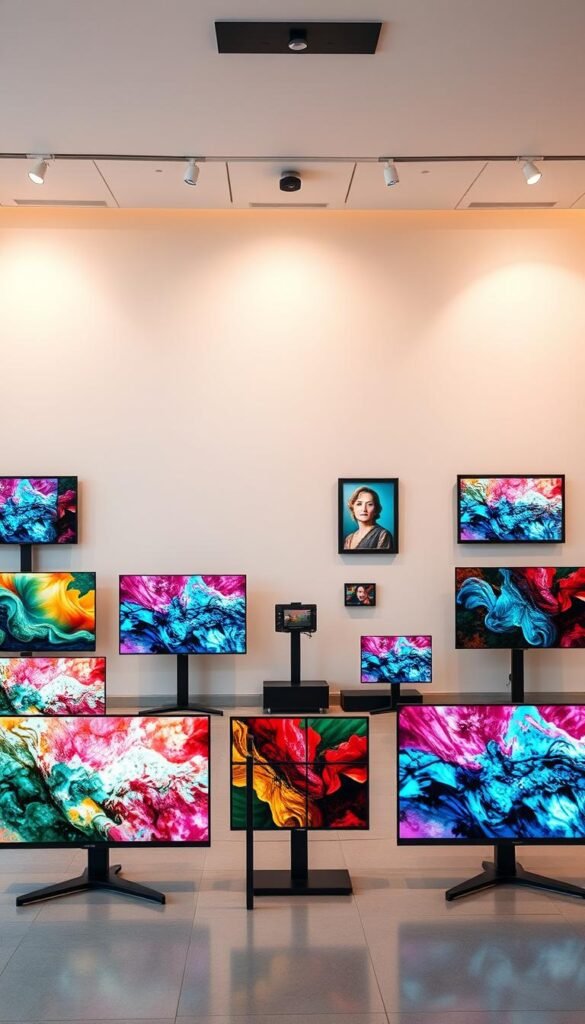
Ready to bring beauty to your entertainment space? You have several excellent methods to choose from. Each approach offers unique benefits for transforming that blank surface.
These solutions work with almost any television model. You can pick the one that matches your budget and technical comfort. Let’s explore these five fantastic options.
Smart TVs with Built-in Art Mode Capabilities
Some modern televisions come with art features already installed. The Samsung Frame is a popular example of this type. It displays curated collections and personal pictures beautifully.
These specialized models adjust colors and brightness automatically. They create a realistic appearance that mimics actual artwork. Your room gains a sophisticated gallery feel.
Streaming Devices with Screen-Saver Options
Your existing streaming stick can become an art source. Devices like Amazon Fire TV or Apple TV offer screensaver settings. These can show beautiful landscapes or your personal photos.
Set it to activate when your television is idle. You’ll enjoy constant visual appeal without any extra effort. It’s a simple upgrade that makes a big difference.
USB Drive Photo Galleries for Any Television
This method works with nearly all modern televisions. Save your favorite images onto a USB drive. Plug it into your television’s USB port.
Most sets can play these pictures as a slideshow. Create folders for different seasons or themes. Switch between them whenever you want a fresh look.
Digital Art Subscription Services for Curated Collections
Services like Artcast and Loupe offer rotating art collections. These subscriptions provide high-quality digital pieces. They regularly update with new content.
You get museum-quality artwork without leaving home. It’s perfect for those who want professional curation. Your display always feels fresh and inspiring.
YouTube as Your Free Art Display Solution
YouTube hosts countless art channel videos. Search for “art slideshow” or “digital gallery” content. Play these videos on your television for instant beauty.
Most are several hours long and play seamlessly. Remember to mute the volume for better ambiance. It’s completely free and works on any smart television.
Each method offers different levels of customization and cost. Try them to see which fits your space and lifestyle best. You might even combine multiple approaches for variety.
Seasonal folders help keep your display organized and relevant. Experiment with different images to find your perfect look. Your television will become a cherished part of your decor.
Setting Up Your Samsung Frame TV for Optimal Art Display
Your Samsung Frame television offers incredible flexibility for showcasing beautiful visuals. Getting started with its art features is straightforward and rewarding.
Access the art mode through your television’s main menu. Navigate to the settings section labeled “Art Mode” or use the dedicated button on your remote. The SmartThings app provides another convenient access point from your mobile device.
You can choose from curated collections in the art store. These professionally selected pieces cover various styles and periods. Alternatively, upload your personal photos for a customized gallery experience.
Adjusting the display settings creates a realistic appearance. Modify brightness to match your room’s lighting conditions. Change color temperature to achieve natural-looking tones.
Mat effects add depth and authenticity to your displayed artwork. Select from various border styles that complement your images. These frames make digital pieces look like physical artwork.
Organize your collection into seasonal folders or themed albums. This makes switching between different looks quick and easy. You can match your decor for holidays or special occasions.
The Samsung Frame uses special algorithms to protect your screen. These features minimize potential issues with static image display. Your television remains safe while showing beautiful artwork.
Fine-tuning these settings creates the perfect integration with your space. Consider your room’s natural light and existing color scheme. Small adjustments make a significant difference in overall appearance.
Remote management through the SmartThings app offers added convenience. Add new images or change settings directly from your phone. This flexibility makes updating your display simple.
Proper setup transforms your television into functional artwork. It blends seamlessly with your home’s aesthetic when not in use. Your space gains both beauty and technological sophistication.
| Setting Type | Adjustment Options | Recommended Use |
|---|---|---|
| Brightness Control | Low/Medium/High/Auto | Match room lighting conditions |
| Color Temperature | Warm/Natural/Cool | Create realistic artwork appearance |
| Mat Effects | Various border styles | Add depth and authenticity |
| Art Selection | Curated collections/Personal uploads | Customize to your taste |
| Organization | Folders/Albums/Themes | Seasonal or decorative changes |
Experiment with different combinations to find your perfect setup. The right configuration makes your television an integral part of your room’s design. Enjoy both entertainment and artistic expression from one beautiful device.
How to Configure Art Mode on Your Amazon Fire TV
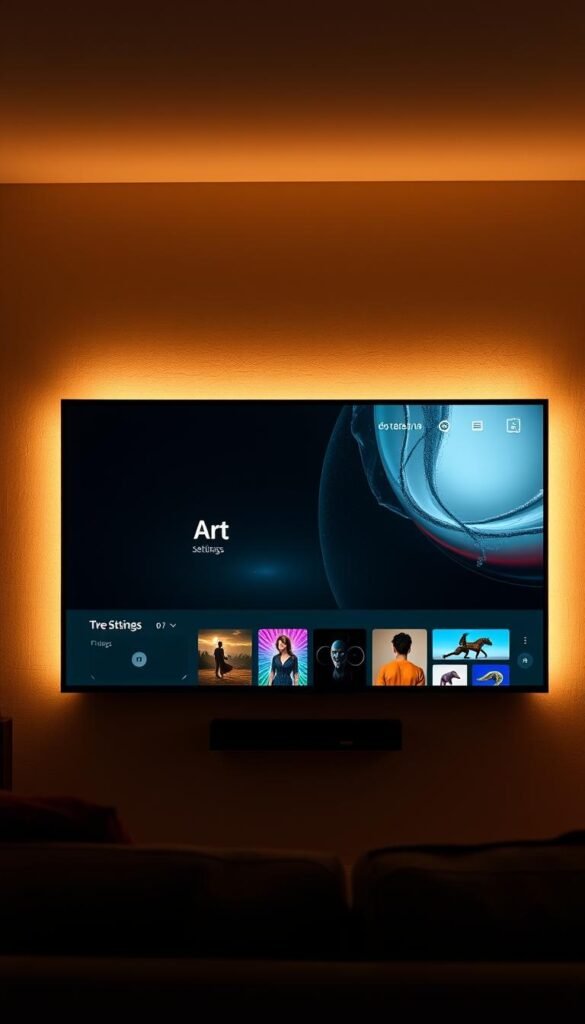
Your Amazon Fire TV offers a fantastic way to show beautiful pictures when not watching shows. This feature turns your entertainment device into a personal gallery. It’s simple to set up and costs nothing extra.
You only need the Amazon Photos app and some favorite images. The process works with any television that has a Fire Stick. Let’s walk through the steps to create your custom display.
Creating Your Art Albums in Amazon Photos
Start by downloading the Amazon Photos app on your phone or computer. Create a new album specifically for your television. Name it something clear like “TV Art” or “Living Room Display.”
Upload your chosen pictures to this special folder. You can use personal photos or downloaded artwork. The app accepts most common image formats.
Organize your collection into seasonal folders if you like. Create separate albums for holidays or different themes. This makes switching your display quick and easy later.
Patience pays off when first uploading your images. Large collections might take some time to process completely.
Adjusting Screen Saver Settings for Perfect Display
Now navigate to your Fire TV settings menu. Go to Display & Sounds and select Screensaver. Find the option for personal photos.
Choose your newly created album from the available selections. Adjust the transition speed between images. Faster changes keep the display more dynamic.
Turn off smart captions and Alexa hints for a cleaner look. Disable the date and clock display too. This creates a more authentic artwork presentation.
Your settings should match these recommendations:
| Setting | Recommended Choice | Purpose |
|---|---|---|
| Source | Amazon Photos | Access your custom images |
| Transition Speed | Medium | Balanced viewing experience |
| Captions | Off | Clean visual presentation |
| Clock Display | Off | Minimize distractions |
| Start Time | 5 minutes | Quick activation when idle |
Managing Sleep Mode Limitations on Newer Devices
Recent Fire TV Stick models have sleep mode features. These can interrupt your art display after some time. The device might turn off to conserve energy.
Use multiple images in your album to help prevent this. More pictures keep the screen active longer. Variety also makes your display more interesting.
Check for software updates regularly. Amazon sometimes improves these features through updates. Your device might gain better art mode capabilities.
This affordable method transforms any television into a beautiful canvas. Your space gains constant visual appeal without significant investment. The results look professional and personalized.
Proper configuration ensures a seamless experience. Your room will feature rotating artwork that matches your style. Enjoy both entertainment and artistic expression from one simple device.
Transforming Your Chromecast into an Art Gallery
Your Google Chromecast offers a brilliant way to showcase beautiful visuals. This affordable device turns any television into a dynamic art space. It works seamlessly with Google’s ecosystem for easy management.
Start by gathering your favorite digital pieces. Choose high-quality images that match your decor style. These can be personal photos or downloaded artwork.
Upload these pictures to a dedicated album in Google Photos. Create separate collections for different seasons or moods. Organization makes switching your display quick and simple.
Connect your Chromecast to your television’s USB port. Ensure it’s properly set up with your home network. This provides power and connectivity for your art gallery.
Open the Google Home app on your mobile device. Select your Chromecast from the available devices. Navigate to Ambient mode settings within the app.
Choose the Art Gallery option from the menu. Select your prepared album from Google Photos. Your television will immediately begin showing your curated collection.
This method creates a rotating display of beautiful pieces. Images change automatically at set intervals. Your room gains constant visual interest and variety.
Updating your gallery is incredibly simple. Add new images to your Google Photos album anytime. Changes reflect automatically on your television display.
The system integrates perfectly with other Google services. You enjoy a unified experience across devices. Everything works together smoothly.
Chromecast provides a cost-effective art solution. You don’t need special television features. Any basic screen becomes an artistic canvas.
This approach offers flexibility and convenience. Change your decor with just a few taps. Your space always feels fresh and personalized.
Enjoy beautiful visuals whenever your television sits idle. Transform that blank surface into something inspiring. Your Chromecast becomes more than just an entertainment device.
Mastering Roku’s Backdrops Feature for Art Display
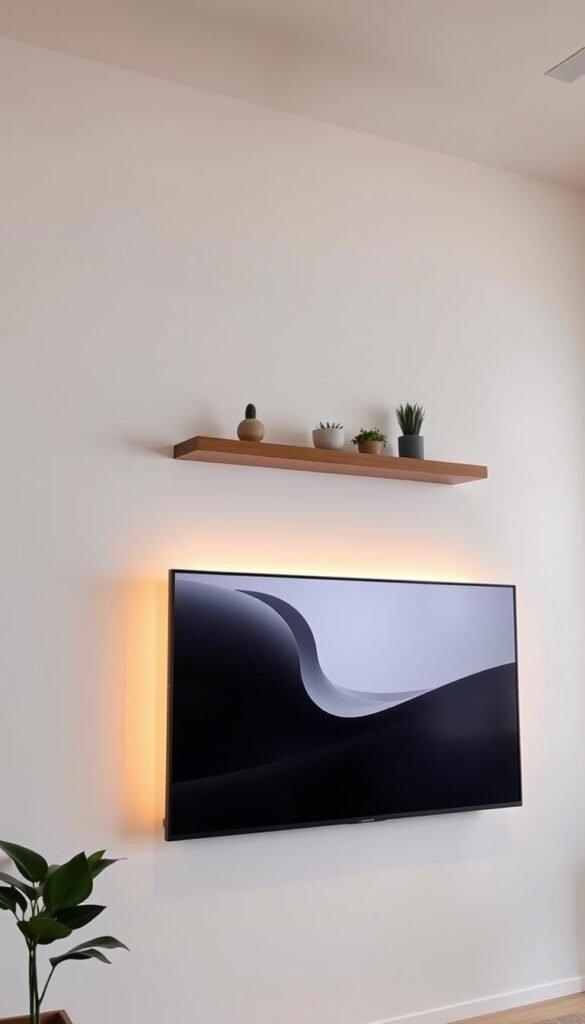
Your Roku device holds surprising potential for transforming your television into a dynamic art canvas. The 2024 Backdrops update brings exciting new options to your streaming experience. You can enjoy beautiful visuals when not watching your favorite shows.
Navigating the New Backdrops App Interface
Access the Backdrops feature through your Settings menu. Select Home Screen and choose Backdrops from the options. This opens a world of artistic possibilities for your display.
Browse through the free library of stunning 4K artwork. The collection includes various styles and themes. You can find pieces that match your personal taste and room decor.
Upload your own images directly through the app interface. Connect your Google Photos account for seamless access to your personal collection. The system makes it easy to add art that reflects your style.
Choose between displaying single images or entire collections. Set the duration for each piece according to your preference. The auto power savings feature protects your screen during extended use.
Alternative Method: Using Photo View Channel
Install the Photo View channel from your Roku store if Backdrops isn’t available. This reliable alternative offers similar art display capabilities. It works beautifully with your existing Google Photos account.
Sign in with your Google credentials after installation. Select the album you want to display on your television. Set it as your screensaver through the channel settings.
Adjust the wait time to control when your art appears. Shorter intervals make the display activate quickly after pausing content. Longer settings give you more viewing time before art mode begins.
Both methods include protections against potential screen issues. The Backdrops app specifically designs features for OLED safety. You can enjoy extended art display without concerns.
Roku provides versatile options for transforming your television into an art gallery. Whether using the new Backdrops feature or Photo View channel, you achieve beautiful results. Mastering these tools brings constant visual appeal to your living space.
Apple TV Art Display: Simple Setup Steps
Your Apple TV provides a seamless way to showcase beautiful visuals. It integrates perfectly with your existing Apple ecosystem. This method offers a polished approach to transforming your television.
Start by gathering your favorite digital pieces. Choose high-resolution images that match your decor style. These can be personal memories or downloaded artwork.
Create a dedicated album in your iCloud Photos app. Name it clearly like “TV Gallery” or “Living Room Art.” This keeps your collection organized and accessible.
Upload your chosen pictures to this special folder. Use your iPhone, iPad, or Mac for this process. The system accepts most common image formats.
Organization is key for a smooth experience. Separate albums make seasonal changes effortless.
Now navigate to your Apple TV settings menu. Find the Accounts section and select iCloud. Enable iCloud Photos integration here.
Ensure Photo Stream remains disabled during this process. This prevents unwanted images from appearing in your display. Your curated collection stays clean and intentional.
Next, access the Screen Saver settings menu. Choose Photos as your preferred option. Select iCloud Photos from the available sources.
Pick your prepared album from the list. Adjust transition speed and display timing to your preference. These settings control how your artwork appears.
Your television will now show a rotating slideshow when idle. Beautiful pieces flow across the screen seamlessly. The effect creates a dynamic gallery atmosphere.
This method offers incredible convenience for updates. Add new images to your iCloud album from any Apple device. Changes reflect automatically on your television display.
The integration works smoothly across the Apple ecosystem. Your experience remains consistent and user-friendly. Everything connects without complicated steps.
Remember that the screen saver activates after a set idle time. You cannot trigger it immediately on demand. This limitation ensures proper device operation.
Apple TV delivers high-quality image presentation. Colors appear vibrant and details remain sharp. Your artwork looks professional and engaging.
| Step | Action | Purpose |
|---|---|---|
| 1 | Create iCloud album | Organize your artwork collection |
| 2 | Upload images | Add your chosen pieces |
| 3 | Enable iCloud Photos | Connect your Apple TV to cloud storage |
| 4 | Disable Photo Stream | Maintain curated collection |
| 5 | Set screen saver | Activate art display function |
| 6 | Choose album | Select your specific collection |
| 7 | Adjust settings | Customize display preferences |
These simple steps transform your entertainment device into an artistic showcase. Your space gains constant visual appeal with minimal effort. Enjoy both functionality and beauty in one integrated solution.
Where to Find Beautiful Art for Your TV Display
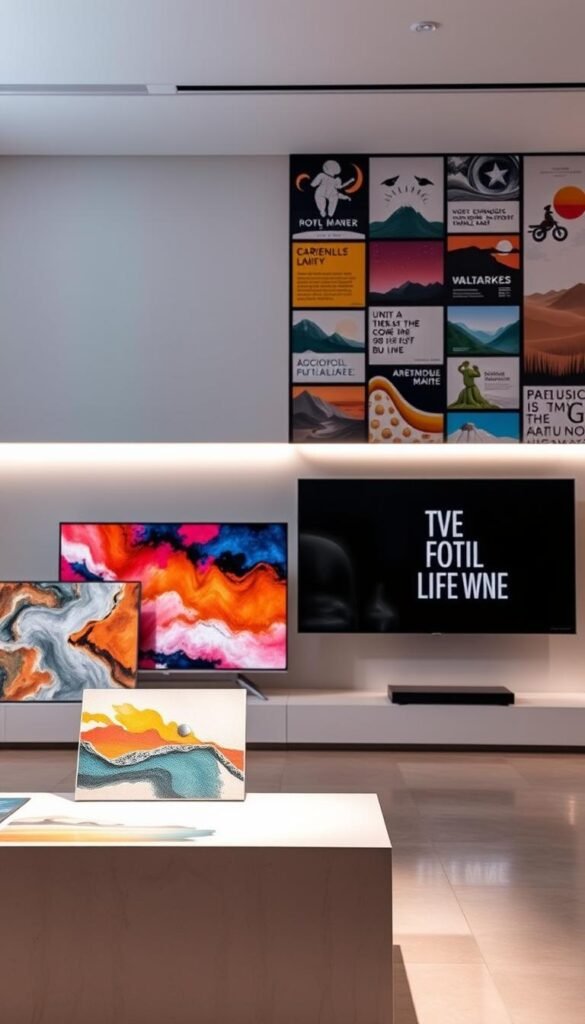
Finding the perfect art for your television is easier than you think. Many wonderful sources offer both free and paid options. You can build a collection that fits any budget.
Mix and match from different places. This creates variety for seasonal changes. Your display stays fresh and exciting all year.
Free Vintage Art Collections and Public Domain Resources
Classic artwork is available at no cost. Public domain archives offer timeless pieces. Museums provide high-resolution downloads of famous works.
These resources give you access to historical masterpieces. You can use them for personal display. They add sophistication to any room.
Some home decor blogs offer free downloads too. Bless’er House provides formatted files for subscribers. These are ready for television background use.
Etsy: The Go-To Marketplace for Unique Digital Art
Etsy shines for affordable and unique finds. Independent artists sell digital art for $2-$6 per piece. You support creators while getting beautiful artwork.
Many sellers include YouTube links for easy display. This simplifies the process for video platforms. You get instant access to your purchases.
Browse various styles from talented designers. Find something that matches your color scheme. Your space becomes truly personalized.
Museum Archives and Digital Art Platforms
Museum websites are treasure troves for art lovers. They offer official downloads of their collections. You get museum-quality art right at home.
Platforms like Society6 and Redbubble feature curated collections. Artcast and Loupe provide rotating subscriptions. These services offer constantly updated content.
Choose pieces that complement your existing decor. Consider your room’s overall style. The right image enhances your space beautifully.
Remember to upload photos that reflect your personality. Mix personal memories with curated digital art. This creates a display that truly feels like home.
Exploring these sources ensures you find perfect artwork. You can easily add art that transforms your television. Your living space becomes more inviting and stylish.
Understanding Screen Burn-in: Myths and Realities
Many people worry about screen damage when showing static images. This concern is understandable but often exaggerated. Modern televisions have excellent protection features.
Screen burn-in refers to permanent discoloration from prolonged static display. It happens when pixels age unevenly from showing the same image. This creates faint ghost images that remain visible.
Today’s technology minimizes this risk significantly. Manufacturers understand how people use their products. They build safeguards directly into the television’s operation.
Your art display can be both beautiful and safe. Understanding the realities helps you enjoy it worry-free. Let’s explore how different technologies handle this challenge.
How Different TV Technologies Handle Static Images
Not all screens respond the same way to static content. OLED models are more vulnerable to potential issues. Their organic pixels can experience uneven aging.
LCD televisions handle static images much better. They use different technology that’s less susceptible. Most standard models include built-in protection features.
Specialized Frame televisions have advanced algorithms. These adjust brightness and shift pixels subtly. This prevents any single area from wearing out faster.
Roku’s Backdrops app includes specific OLED protections. It uses techniques to minimize risk during extended use. These features work automatically in the background.
Knowing your television type helps you understand its capabilities. Each technology has unique strengths and considerations. This knowledge guides your art display choices.
Best Practices to Prevent Potential Damage
Simple habits keep your television looking beautiful for years. Rotate your images regularly to avoid static patterns. Change your collection every few days.
Avoid using maximum brightness for extended periods. Lower settings reduce stress on the pixels. They also create a more realistic artwork appearance.
Limit display time for non-art mode televisions. Two hours at a time is generally safe for most models. Take breaks between viewing sessions.
Use screensaver modes that activate motion sensors. These only show art when someone is in the room. This reduces unnecessary screen time.
For older models, exercise extra caution with static images. They might not have modern protection features. Shorter display periods work best.
Following these practices ensures worry-free enjoyment. Your television remains in excellent condition. You can appreciate beautiful artwork without concerns.
| TV Type | Risk Level | Recommended Display Time | Protection Features |
|---|---|---|---|
| OLED | Higher | 2-4 hours with rotation | Pixel shifting, brightness adjustment |
| LCD | Lower | 4-6 hours safely | Built-in screensaver triggers |
| Frame TV | Lowest | Extended use okay | Advanced algorithms, automatic adjustments |
| Older Models | Variable | 1-2 hour sessions | Limited, requires manual care |
Modern televisions are designed for art display use. With proper care, you can enjoy this feature safely. Your space becomes more beautiful without risking your equipment.
Understanding these facts removes unnecessary worry. You can transform your television into a dynamic gallery. Enjoy both functionality and aesthetic appeal with confidence.
Optimizing Your TV Settings for Realistic Art Display
Your television’s default settings are designed for video content, not static artwork. This means you’ll need to make some changes for the best results. The right configuration makes digital pieces appear like physical art.
Different television models offer various adjustment options. Some have dedicated art mode features. Others require manual changes in the picture settings menu.
Adjusting Brightness and Color Temperature
Brightness control is crucial for realistic artwork presentation. Set it to match your room’s natural lighting conditions. Avoid overly bright displays that look artificial.
Color temperature adjustments create natural-looking tones. Warmer settings often work best for traditional artwork. Cooler temperatures suit modern or photographic pieces.
Test different settings throughout the day. Morning light requires different adjustments than evening lighting. Find what works for your specific environment.
The right brightness and color settings make digital art appear almost three-dimensional.
For dark rooms, reduce brightness significantly. This prevents eye strain and improves realism. Your artwork will blend better with other decor elements.
Creating the Perfect Mat and Frame Effect
Many televisions offer mat and frame effect options. These features add depth and authenticity to your display. They make digital pieces appear like framed physical artwork.
Samsung’s Frame television includes excellent mat options. Use the SmartThings app to access these settings. Choose from various border styles and colors.
Select mats that complement your artwork and room decor. Dark frames work well with traditional pieces. Light borders suit modern or minimalist art.
Even without built-in frame effects, you can create similar results. Use image editing software to add digital borders. Then display these enhanced files on your television.
| Setting Type | Adjustment Purpose | Recommended Value |
|---|---|---|
| Brightness Level | Match room lighting | 30-50% (adjust based on ambient light) |
| Color Temperature | Create natural appearance | Warm (for traditional art), Natural (balanced) |
| Contrast Ratio | Enhance image depth | Medium to High (avoid maximum) |
| Mat Effect | Add authenticity | Choose based on artwork style |
| Auto Brightness | Adapt to changing light | Enable for dynamic environments |
Take time to experiment with different combinations. The perfect settings make your art display truly convincing. Your television becomes a beautiful decor element rather than just a screen.
Cable Management Solutions for a Clean Art Display
Tangled cables can ruin the beautiful gallery effect you’ve created. Those visible wires distract from your carefully curated presentation. They pull attention away from your stunning digital pieces.
Proper cable management ensures your artwork remains the focal point. It creates a seamless, professional appearance. Your space looks intentional and well-designed.
Several effective solutions exist for hiding television cords. Cord covers provide surface-mounted concealment. In-wall cable kits offer a more permanent, built-in solution.
Wireless setups eliminate cords entirely for certain components. Each option has different installation requirements. Choose based on your technical comfort and room layout.
Many resources offer step-by-step guidance for installation. My friend Ashley shares excellent tutorials on hiding TV cords. These guides make the process accessible for DIY enthusiasts.
Planning your cable routes during television installation works best. You can also address this during room updates. Proper planning prevents future clutter issues.
Most cable management solutions are affordable and user-friendly. They require basic tools and minimal effort. The investment significantly improves your space’s appearance.
| Solution Type | Installation Difficulty | Cost Range | Best For |
|---|---|---|---|
| Cord Covers | Easy | $15-40 | Renters or temporary setups |
| In-Wall Kits | Moderate | $30-80 | Permanent installations |
| Wireless Devices | Easy | Varies by component | Modern smart home setups |
| Cable Raceways | Easy | $20-50 | Multiple device management |
Tidying cables improves both aesthetics and safety. Organized wiring reduces tripping hazards. It also prevents pets from chewing on exposed cords.
Smart home integrations can further reduce cable clutter. Wireless streaming devices need fewer connections. Some systems offer completely cord-free options.
Addressing cable management completes your transformation. It ensures a polished, gallery-like appearance. Your art becomes the undeniable focal point.
This final step makes your display look professional and intentional. You’ll enjoy your beautiful space without visual distractions. The result is worth the minimal effort required.
Your Journey to a More Beautiful Living Space Starts Now
Transforming your television into an art display is easier than you might think. This project brings both beauty and function to your home.
Choose a method that matches your television model and personal style. Each approach creates a unique look for your room.
This upgrade makes your space feel more intentional and cohesive. You can change images with the seasons to keep your decor fresh.
Share your favorite methods in the comments below. We love hearing about successful home transformations.
Start exploring art sources today to build your collection. Follow basic safety tips for worry-free enjoyment.
Your living area can reflect your personality right now. Enjoy turning that blank surface into something beautiful!